

How to Use Sentiment Analysis to Improve Customer Experience

Customer Experience & Sentiment

How to Use Sentiment Analysis to Improve Customer Experience

Your customers are constantly signaling satisfaction, frustration, and loyalty shifts — across reviews, social media, support tickets, and surveys. Sentiment analysis turns those signals into actionable intelligence before they move your metrics.

8 min read CX & Marketing Teams Mid-Funnel Guide

Customer experience isn't shaped by what brands say about themselves — it's shaped by how customers feel at every touchpoint. Sentiment analysis gives CX and marketing teams a continuous, data-driven read on those feelings, drawn from the channels where customers actually speak: reviews, social posts, support interactions, and survey responses.

The gap between a good sentiment score and a great customer experience is execution. This guide covers the scoring methodologies behind sentiment data, how real-time alerting keeps teams ahead of issues, and the workflows that turn sentiment signals into measurable CX improvements.

3.5×
more revenue growth for CX leaders vs. laggards
73%
of consumers say CX influences purchase decisions
60%
of churn is detectable in sentiment data before it happens
<1hr
median response window before negative sentiment escalates

How Sentiment Scoring Actually Works

Not all sentiment scores are equal. Understanding the methodology behind the number helps CX teams calibrate confidence and choose the right data layer for each decision.

Rules-Based

Lexicon & Rules Engines

Assign sentiment weights to individual words and phrases using curated dictionaries. Fast to deploy and highly explainable, but struggles with sarcasm, domain-specific language, and context shifts across channels.

Machine Learning

Supervised ML Classification

Trained on labeled datasets, ML classifiers learn patterns beyond individual words — tone, sentence structure, co-occurrence signals. Accuracy improves significantly with domain-specific training data from your own channels.

Deep Learning

Transformer-Based NLP (BERT, GPT)

Large language models capture nuance, negation, and contextual meaning that earlier models miss. Industry-standard for production sentiment platforms today — powering fine-grained scoring across long-form reviews and support text.

Granularity

Aspect-Level Sentiment

Rather than a single positive/negative/neutral label per document, aspect-level scoring assigns separate sentiment values to specific product or service dimensions — delivery speed, price perception, staff friendliness — in a single piece of feedback.

Emotion

Emotion Detection & Intensity Scoring

Goes beyond polarity to classify emotional signals — joy, frustration, surprise, anger — with intensity weights. Particularly valuable for support triage, where an angry low-intensity complaint differs sharply from an urgent, escalating one.

Aggregate

Sentiment Trend Indexing

Rolls individual scores into a time-series index — tracking directional shifts across days, weeks, or campaign windows. This is the layer CX leadership typically monitors for strategic decisions, not individual data points.

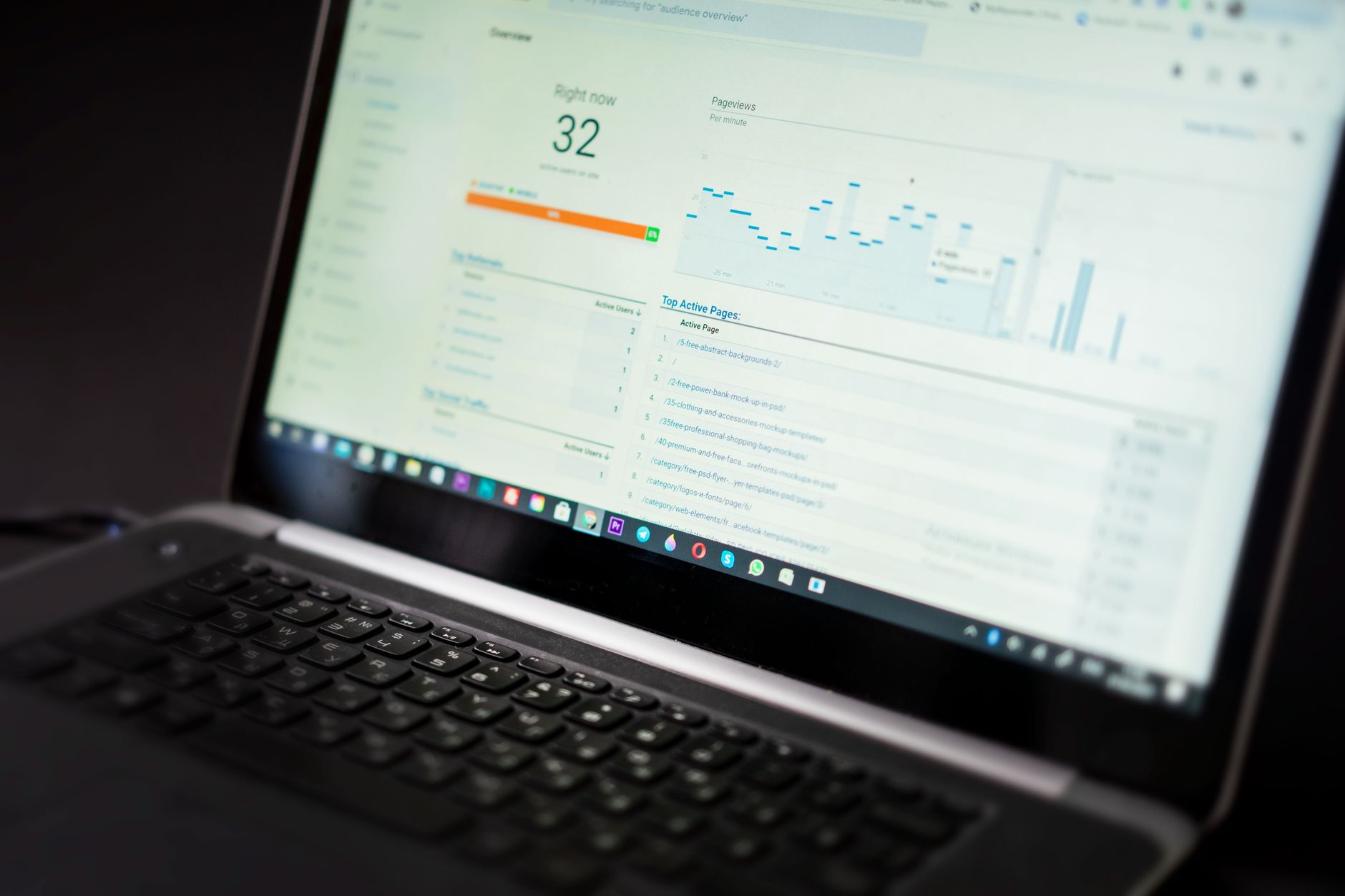
Marketing team monitoring real-time sentiment alerts on a dashboard

Catching Sentiment Shifts Before They Escalate

The most expensive sentiment problems are the ones caught late. A real-time alerting layer closes the gap between when customers signal distress and when your team actually responds.

  • Threshold alerts trigger when a brand's sentiment score drops below a defined baseline within any rolling window
  • Spike detection flags sudden volume surges in negative mentions — often the first signal of a PR or product issue
  • Channel-specific alerts isolate whether a problem is concentrated on Twitter/X, Google Reviews, or support tickets
  • Competitor comparison alerts notify when a rival gains measurable sentiment ground on a key product attribute
  • Segment-level alerts surface when a specific customer cohort — region, product line, or demographic — shifts sharply

The Sentiment-to-CX Action Workflow

Sentiment data only creates value when it reaches the right team with enough context to act. This four-stage workflow is how high-performing CX operations close the loop.

1

Ingest & Score

Collect feedback across all channels — reviews, social, support, surveys — and apply NLP scoring at the point of ingestion so no signal is processed with a delay.

2

Segment & Prioritize

Route sentiment data by product line, region, customer tier, or channel. Weight high-value or high-risk segments higher in alerting queues.

3

Alert & Assign

Trigger automated alerts to the right team — CX for service issues, product for feature friction, comms for reputational spikes — with full context attached.

4

Respond & Measure

Execute the response and track sentiment recovery. Close the feedback loop by measuring whether the intervention moved the score in the expected direction.

How CX and Marketing Teams Act on Sentiment Signals

Customer Experience Teams

Use sentiment scores to prioritize support queues, identify at-risk accounts before they churn, and uncover recurring friction points in the product journey that CSAT surveys alone wouldn't surface.

Marketing Teams

Track campaign sentiment in real time — adjusting messaging, pausing ads near negative spikes, and surfacing authentic positive signals as social proof in retargeting and content programs.

Product Teams

Mine aspect-level sentiment data for granular feature feedback — knowing that customers love the onboarding flow but consistently flag the reporting interface as confusing is more actionable than a 3.8-star average.

Brand & Comms Teams

Monitor sentiment velocity across earned media and social channels to detect early reputational risk, coordinate response strategy, and benchmark brand health against competitors week over week.

CX and marketing teams collaborating on sentiment analysis strategy

Sentiment Metrics That Connect to Business Outcomes

The right metrics tie sentiment scores to outcomes your leadership already tracks — not vanity numbers that live only inside a monitoring dashboard.

Net Sentiment Score (NSS)
Percentage of positive mentions minus negative, across a defined time window and channel set. Your directional health number.
→ Connects to: Brand Health
Sentiment Velocity
Rate of change in NSS over time — a rapidly falling score often predicts NPS decline and churn acceleration 2–4 weeks out.
→ Connects to: Churn Risk
Aspect Sentiment Distribution
Breakdown of sentiment by product or service dimension — reveals where exactly experience is strong or breaking down without aggregation masking the signal.
→ Connects to: Product Roadmap
Response-Recovery Rate
Measures how effectively team responses to negative mentions actually shift sentiment in the period following an intervention.
→ Connects to: CX Efficiency
Channel Sentiment Gap
Difference in sentiment score between channels for the same brand — a high gap often signals a channel-specific product or support experience problem.
→ Connects to: Channel Strategy
Competitive Sentiment Delta
Your NSS minus a competitor's NSS on the same topic cluster — the clearest indicator of relative brand positioning in the customer's mind.
→ Connects to: Market Position
Brand intelligence platform showing sentiment analytics and brand data

Putting It Into Practice with Xtremand

Xtremand connects scoring, alerting, and team workflows in a single platform — so sentiment intelligence reaches the right person with context attached, not just a number. The platform ingests signals across social, review, news, and support channels in real time and makes them actionable for CX, marketing, and brand teams.


Common Questions About Sentiment Analysis and CX

What's the difference between sentiment analysis and NPS?

NPS is a single-question survey metric that measures loyalty intent. Sentiment analysis continuously processes unsolicited, open-ended customer language across multiple channels — capturing how people actually feel in their own words, without requiring them to fill out a form. Together they give a more complete picture of experience than either one alone.

How quickly can sentiment data surface a developing CX problem?

With real-time ingestion and threshold alerting, teams can detect sentiment shifts within minutes of a volume spike. Compared to monthly survey cycles, that's the difference between catching a service outage while customers are still posting and discovering it in next quarter's NPS review.

Which channels should I prioritize for sentiment analysis?

Start with the channels where your customers are already most vocal — typically Google Reviews, Twitter/X, and your support ticket stream. App store reviews matter if you have a product. Expand to news and forums once core channels are covered. The priority depends on your industry; B2B brands often find LinkedIn and G2/Capterra more signal-rich than social volume alone.

How much does a sentiment analysis platform cost?

Pricing varies by channel coverage, data volume, and alerting sophistication — from entry-level tools under $100/month to enterprise platforms with custom pricing. The more useful question for budget planning is the cost of not acting on a sentiment-driven churn wave or PR crisis, compared to the platform investment. Xtremand's pricing is structured around the products you actually use.

Can sentiment analysis integrate with existing CRM and helpdesk tools?

Yes — modern sentiment platforms route scored data via webhooks, native integrations, or API into Salesforce, HubSpot, Zendesk, and similar tools so teams work within existing systems rather than adopting a separate dashboard. Xtremand supports integration-ready data exports and real-time routing to CX platforms.

Get Started

Turn Customer Sentiment into a CX Advantage

Stop discovering experience problems after they've driven churn. Xtremand's real-time sentiment platform gives your CX and marketing teams the signal clarity to act fast — on every channel, every day.

Explore the Sentiment Analysis Tool

Or browse the full Brand Intelligence Platform to see how sentiment connects to your wider brand strategy.

Make a Comment

Your email address will not be published. Required field are marked*

3D-illustration-business-man-flying-holding-laptop
3d_143

Save money from costly Mistake

Create pre-approved templates and lock all legal information.

14-day trial, no credit card required.